
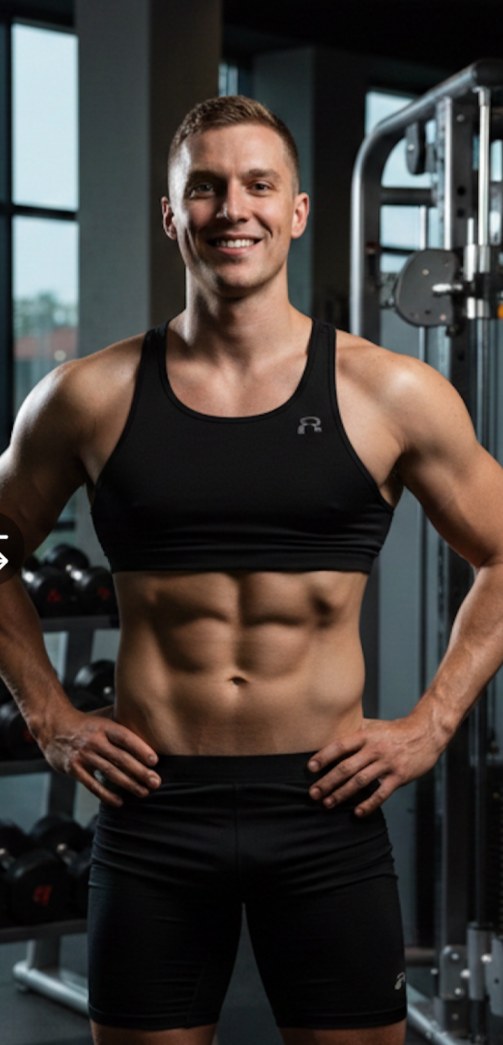
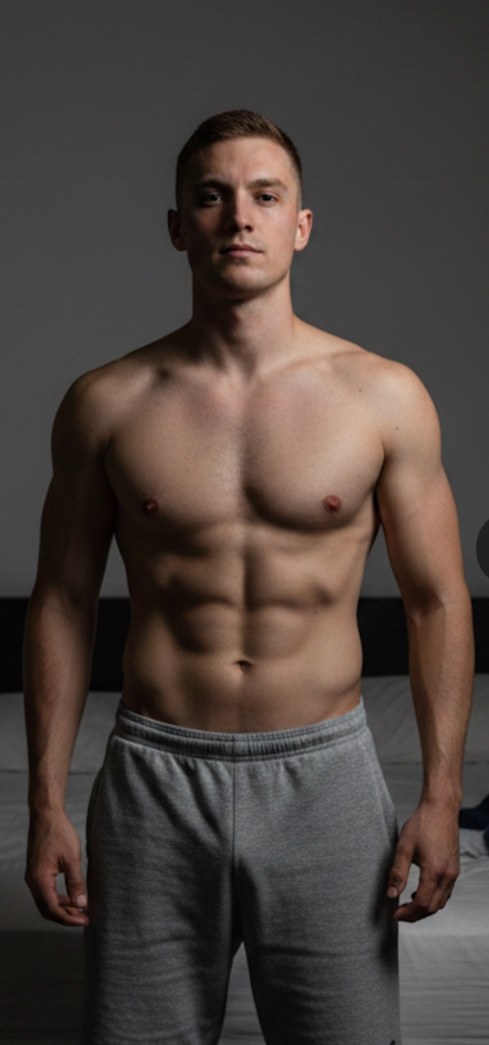
Why Photo Compare
What to post
- 12-week transformations in a 4:5 feed post
- A before-to-after wipe video for Reels and Stories
- A shareable slider on your coaching sales page
- Side-by-side posing comparisons for competition prep
Match the framing, not just the photo
Zoom and reposition each side until shoulders and hips line up, so the change is the body — not the camera distance.
Your brand on every result
Add your logo or handle once with the brand kit. Every export carries it, so reposts still lead back to you.
A whole client roster at once
Bulk mode pairs check-ins by filename or capture date and exports them as one ZIP — up to 50 pairs at a time on Pro.
How it works
Three steps. Under a minute.
Drop your photos
Drag in a before and an after. JPG, PNG and HEIC straight from your iPhone.
Line them up
Pick a template or layout, crop and align, add labels. Auto‑enhance keeps labels off faces.
Export or save
Download a full‑resolution image sized for Instagram, Stories or your site — or save it to your library.
Questions
Are my clients’ photos uploaded anywhere?
No. Editing happens in your browser. Photos are only stored if you save a comparison to your private library, and only you can open it.
Can I crop out faces?
Yes. Zoom in and reposition each photo freely to show only what you want. Auto-enhance can also frame the subject and keep labels off faces.
What size should I export for Instagram?
Pick the 4:5 portrait shape for feed posts and 9:16 for Stories and Reels. Exports are full resolution.

Your next before‑and‑after is two photos away.
Free to start. No install, no credit card.
Create a comparison